Historical Fare Rules
Do you struggle with finding the rules on the fare you booked for your client months ago? They are now calling and possibly want to change their flight. Or they have an unused ticket from 6 months ago and you need to look at the fare rules. There is now a script to find the information easily.
Click on Fares & Pricing and then Display Fares & Rules.
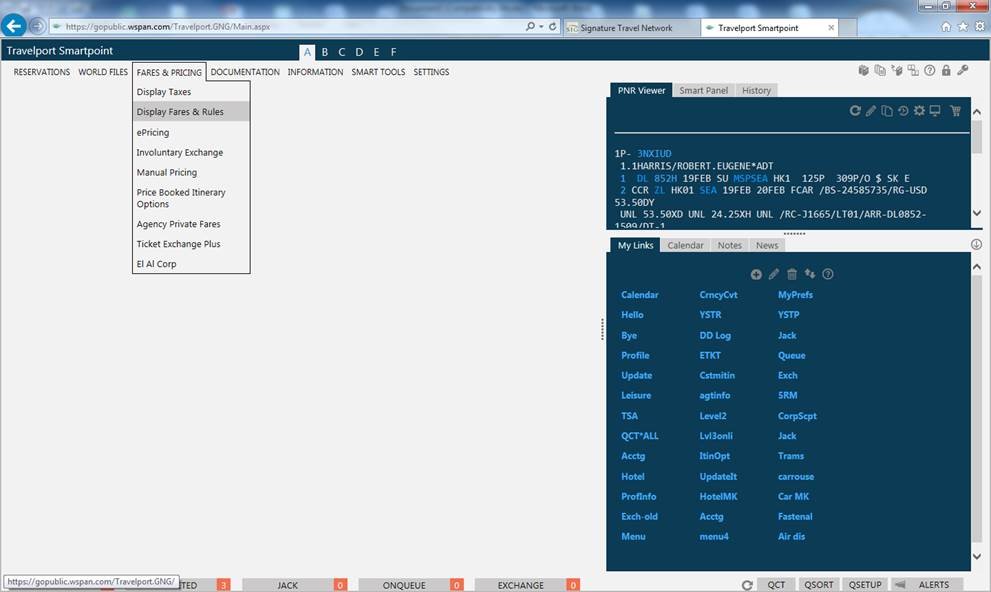
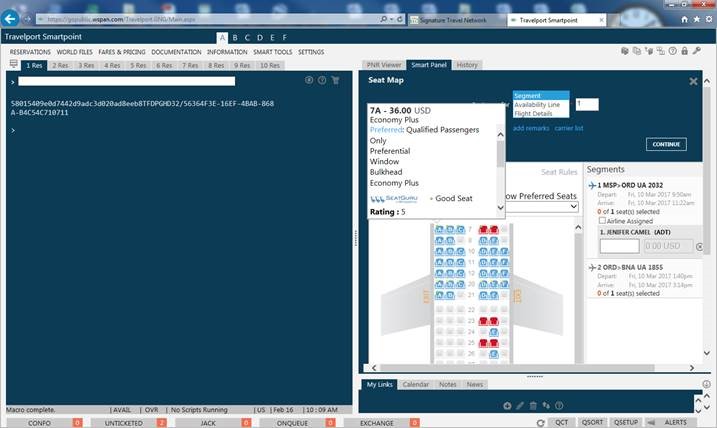
Your Smart Panel will appear on the right hand side of the screen.
Click the Historical Fares Only radial dial and fill out your information including the year the ticket was issued (you can ignore the time of day and fare type) and click Continue.
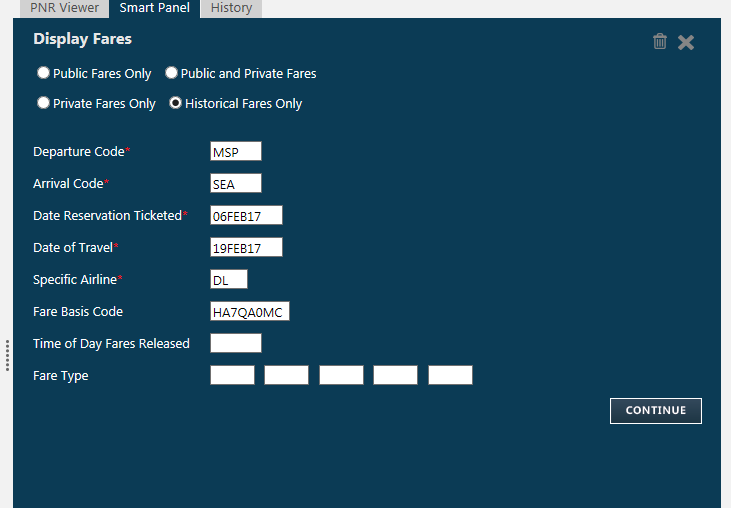
It will display the fares that match. You may click on anything in BLUE.
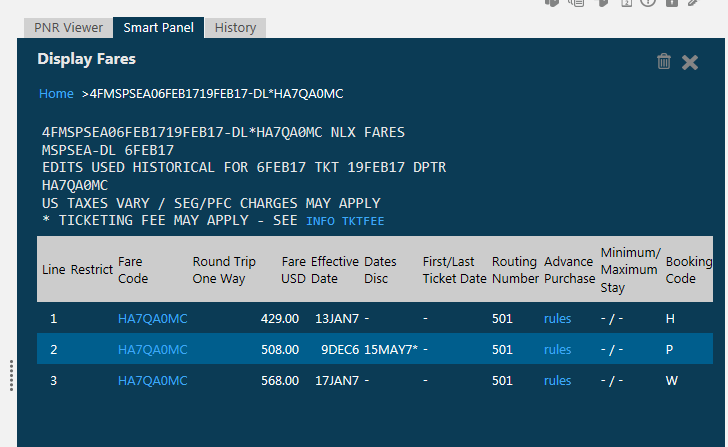
Click on the fare basis code to bring up all the rules of that fare.
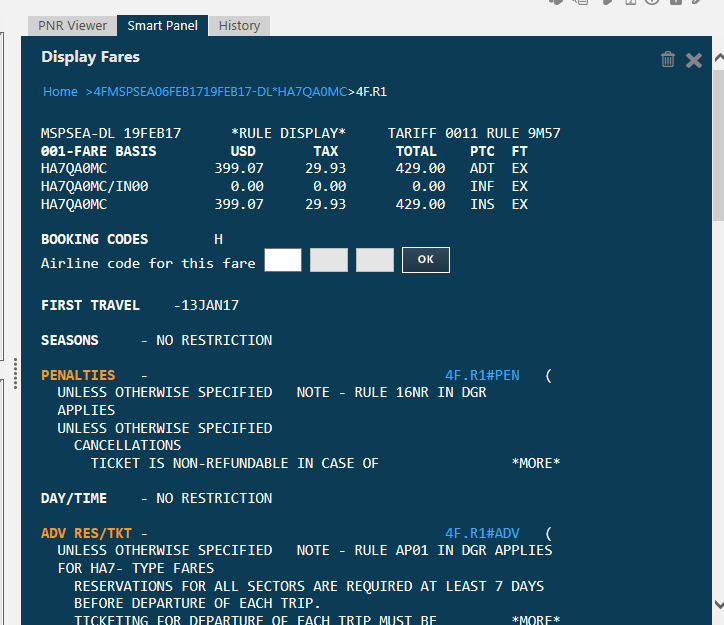
You may then click on the any BLUE items to display them. I always check the penalties so I would click on 4F.R1#PEN.
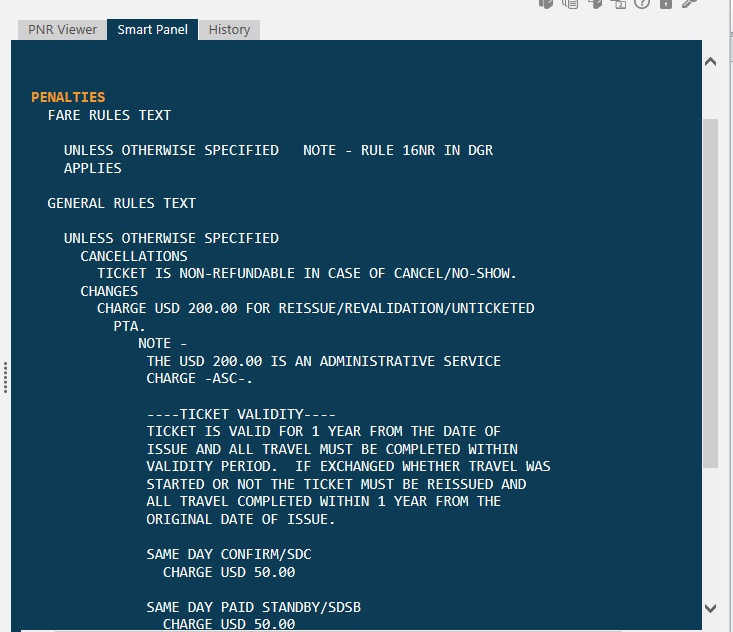
Scroll down on the right hand scroll bar to see the full set of penalty information.
If you have multiple fare basis codes on one ticket you always want to check each one and the most restrictive penalty would be in effect for the ticket.